Dobbin is an AI thinking partner, purpose-built for your business.

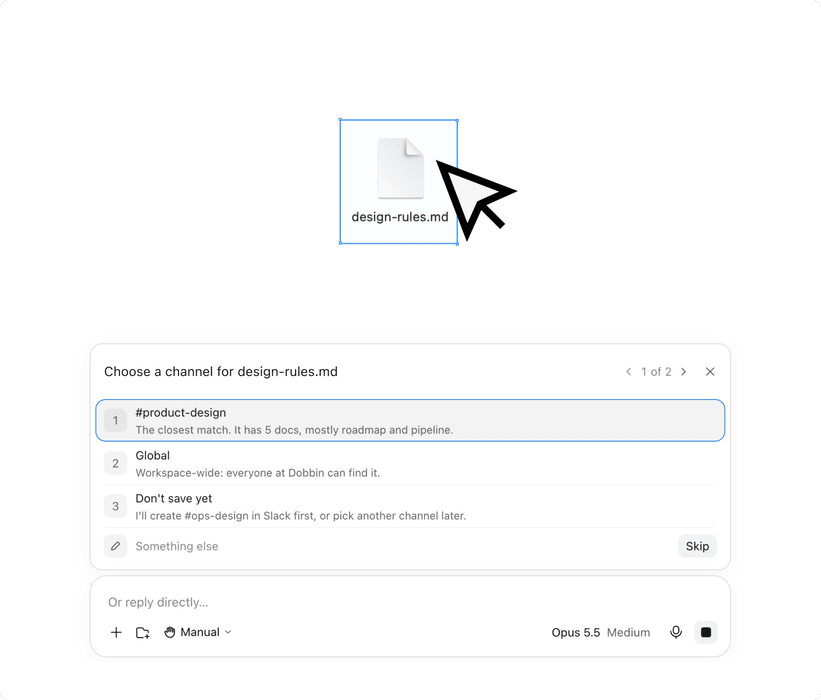
Adding design.md to your knowledge base
 design.md
Role
As Founding Designer I worked 0→1 across brand, strategy and product design. Working closely with founders, marketing and customer success, I delivered Dobbin’s evolving brand and designed and shipped Dobbin HQ using Figma and Claude.
Team
The CTO and me.
Timeline
3 months, shipping weekly.
Impact
Steady customer growth and low churn: 8 of our first 10 customers are still with us. A robust product, built iteratively with customer feedback.
Challenge
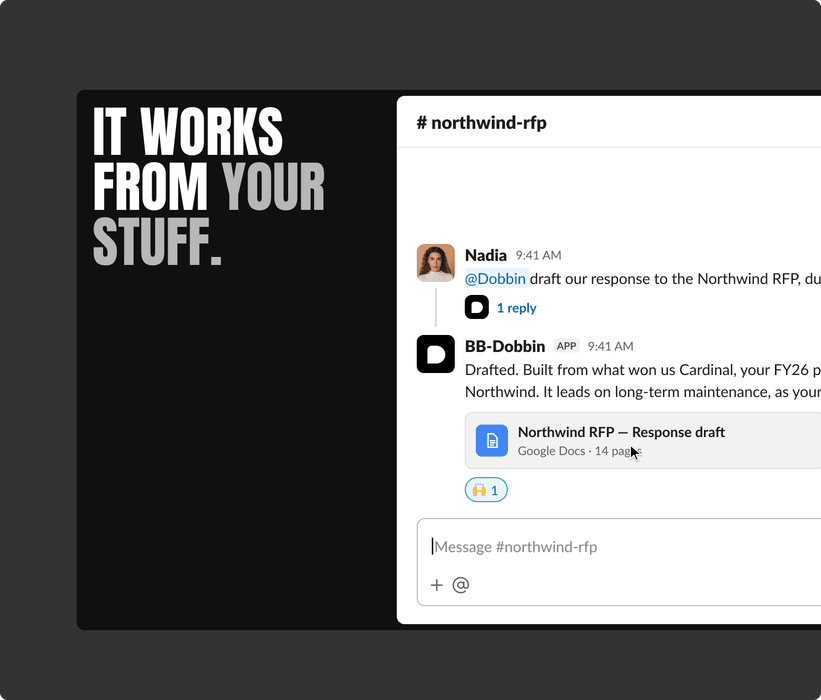
Generic AI tools don’t know your business, and they’re single-player. Answers come back off-brand and out of context, and teams can’t tell what they’re based on. Dobbin works where teams already talk, starting in Slack and scaling to Google Chat and Teams. I focused on the two things that make Dobbin yours: the Foundation and the Knowledge Base. The challenge was earning trust in a crowded AI market, showing how Dobbin uses them and learns from conversations.
Constraints
- Showing the power of Dobbin within the limits of Slack.
- Adoption and behaviour change: getting people inside organisations to use it.
- Designing for customers new to AI, and often to technology.
Foundation
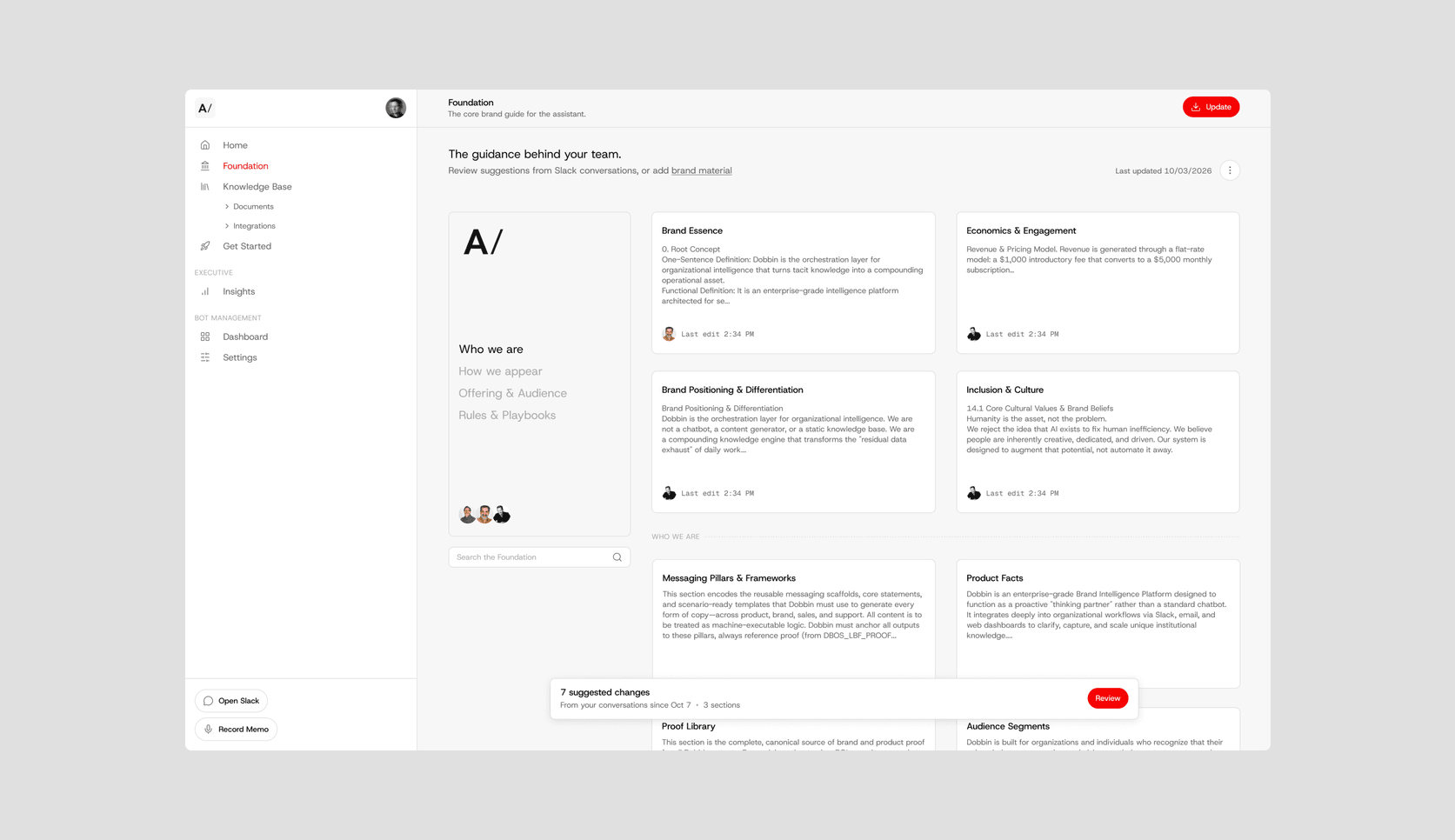
Dobbin’s brand foundation started as a 52-page Google Doc that was hard to read and scan, and some customers had never documented their business at brand level before.
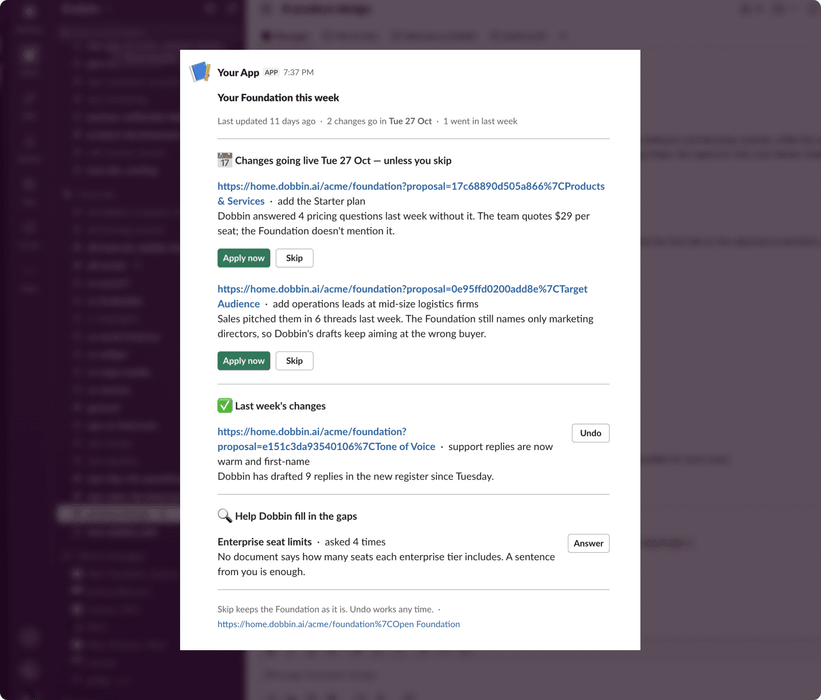
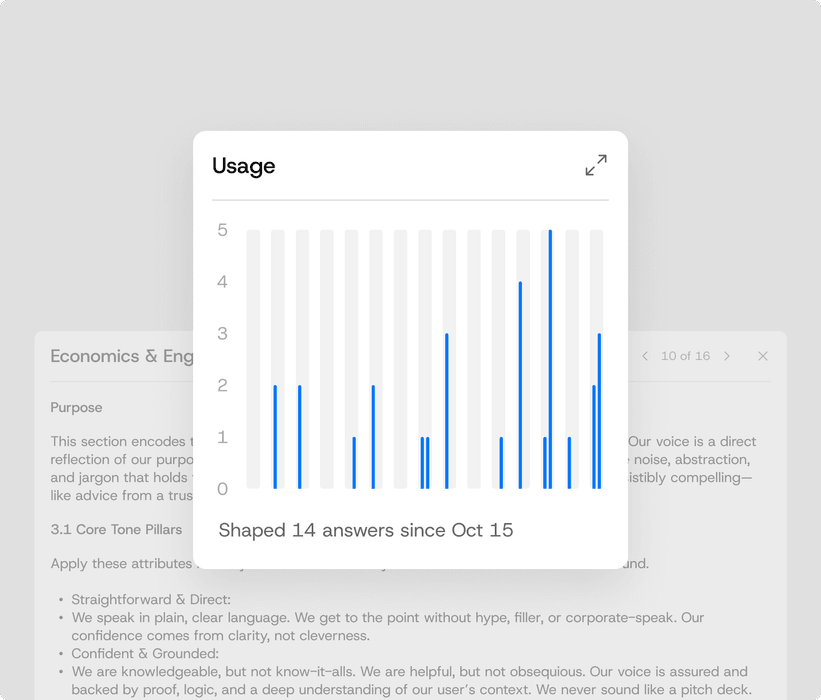
I redesigned it as a living document: sections made up of content cards that are quick to scan, so more customers found it easier to browse and understand. Teams can edit any card, track how each section is used and see who last worked on it. Dobbin also tracks which parts of the Foundation shaped its answers. In review mode, customers apply or dismiss its suggested changes.
Knowledge
Every company runs on documents it relies on: strategy docs, contracts, product lists and more.
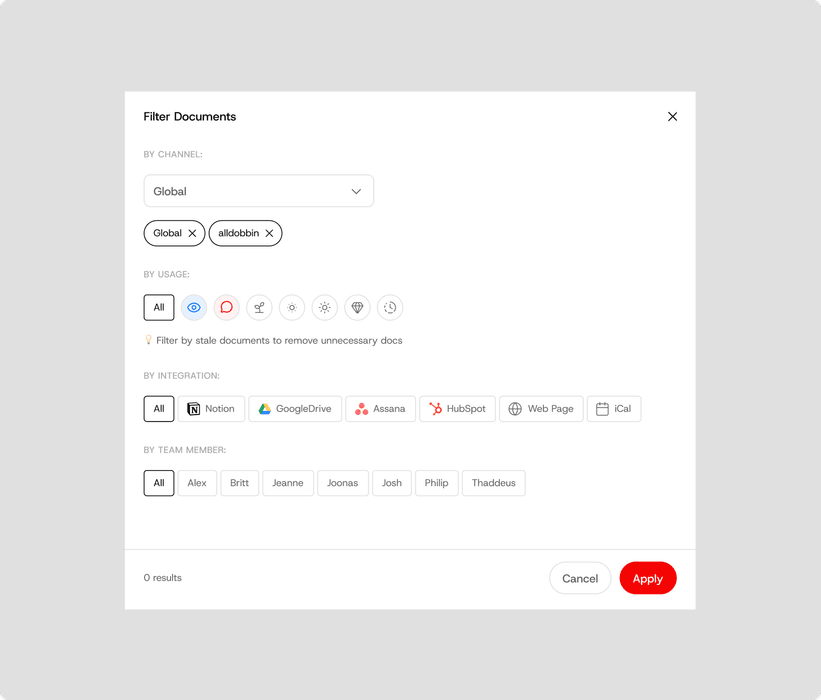
The Knowledge Base brings them together in Dobbin HQ. Each document can be global, across every Slack channel, or kept to specific channels, so departments keep their privacy. HQ shows how often each document is used, and when a conversation is missing context, Dobbin writes a new “learned” document to fill the gap.

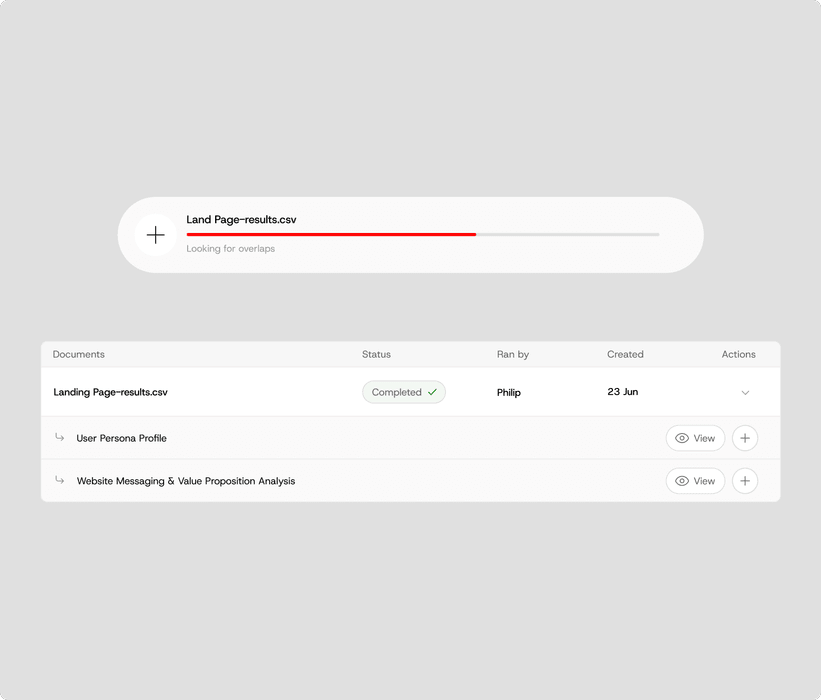
Integrations
Much of a company’s knowledge lives in the tools it already uses.
Customers can connect them to Dobbin through integrations, which work just like documents and give Dobbin the company’s real data to answer with.
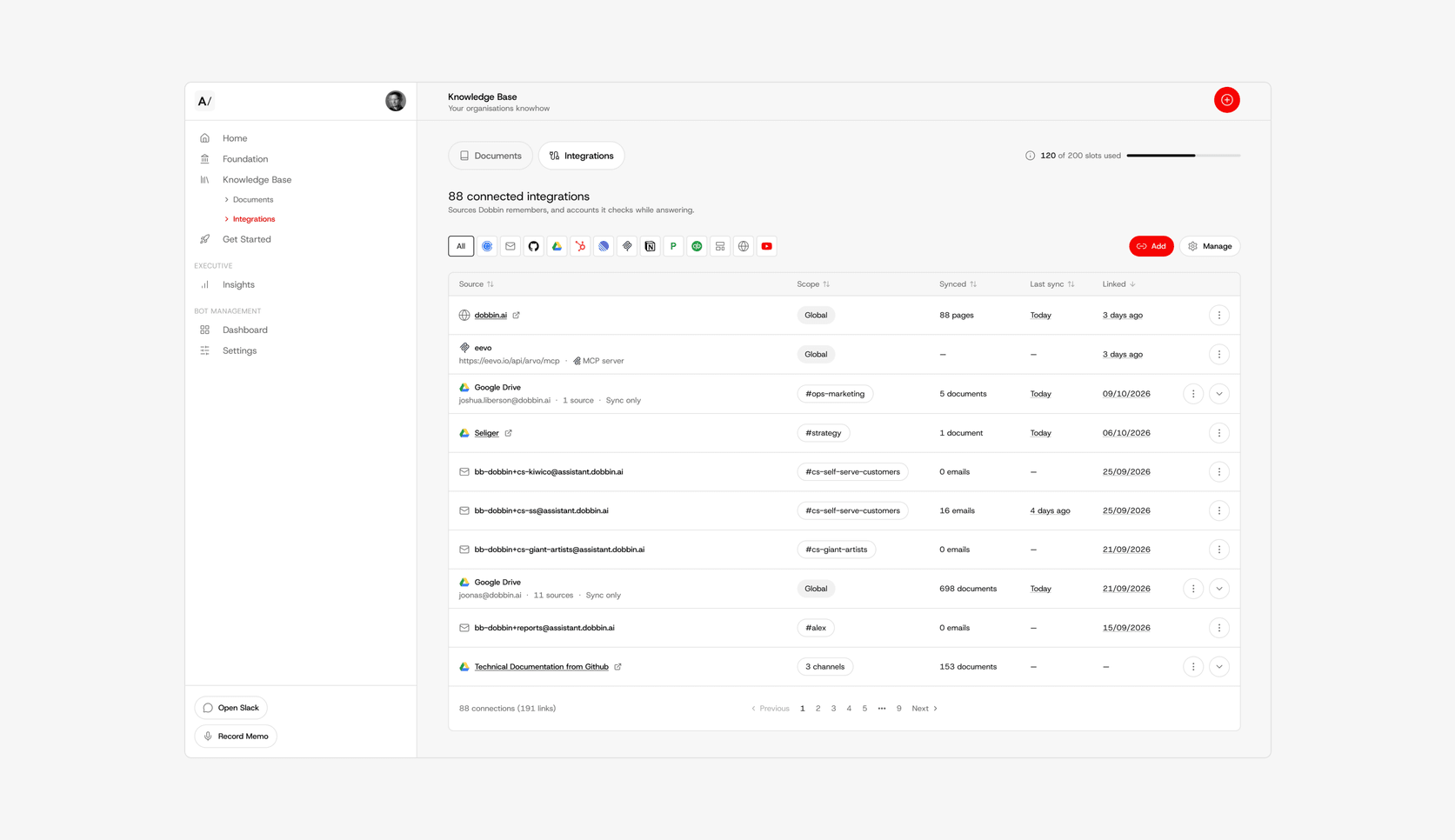
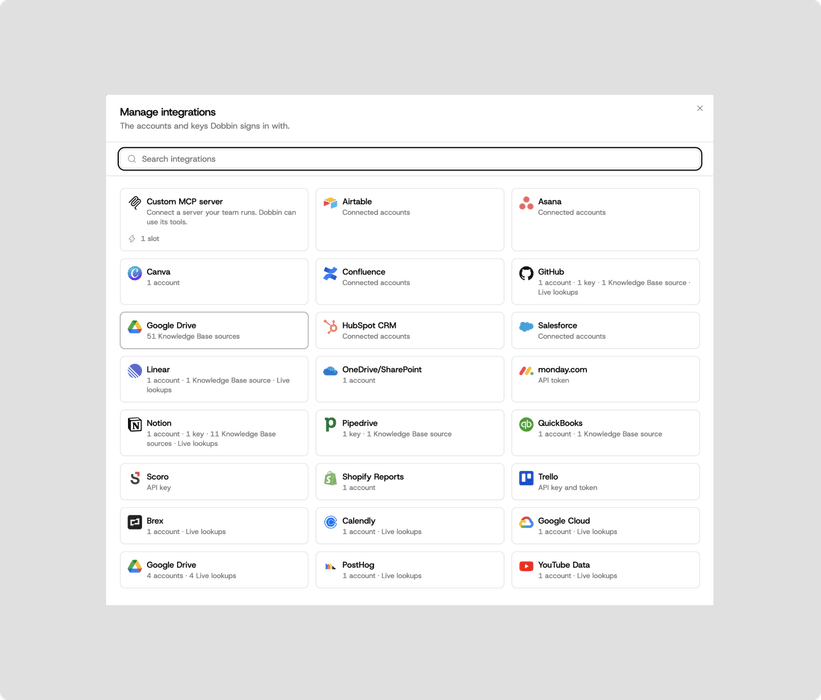
Prompt analysis
Trust drops fast when an AI answer misses and teams can’t see why.
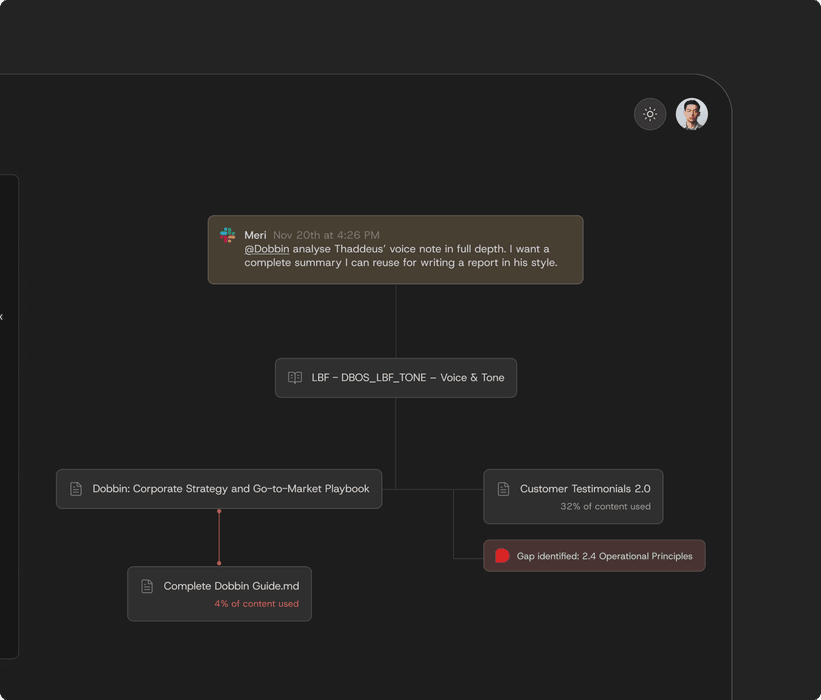
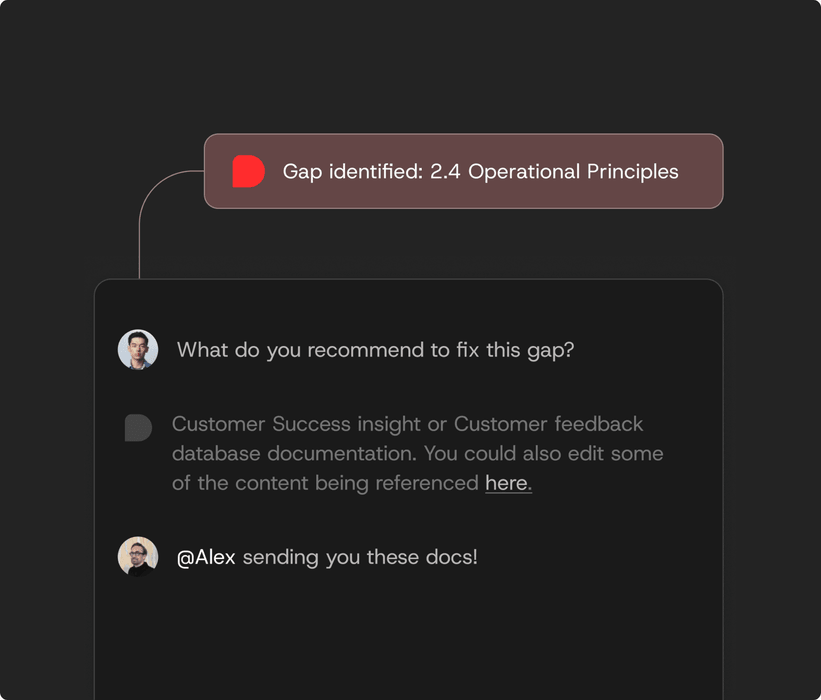
I explored a canvas where teams unpack prompts Dobbin didn’t fully solve: the knowledge each answer used, or was missing, and the gap behind it. It’s multiplayer, so teammates can fix gaps together, and the nature of the canvas means users carry on exploring and refining their system.
Feedback
Throughout the experience, whether that’s onboarding, Slack, Claude or HQ, I always tried to explain how Dobbin works and show its status. Small cards, like team usage in HQ, show customers what Dobbin is doing for them. This again helps build trust, especially with customers who are less technical.
Team usage
13%
24,987 total interactions
Last 30 days


Design system
Shipping weekly with a team of two, I needed to move fast and still have something robust to build on.
I built Dobbin HQ’s design system in Figma while designing core parts of the UX, then took it into code with Claude. Tailwind is the underlying structure, with Dobbin’s colours, fonts and UI on top. Claude and Figma stay in sync through the Figma Bridge MCP, and the design system also lives in the repo, so developers share the same source of truth.

Brand
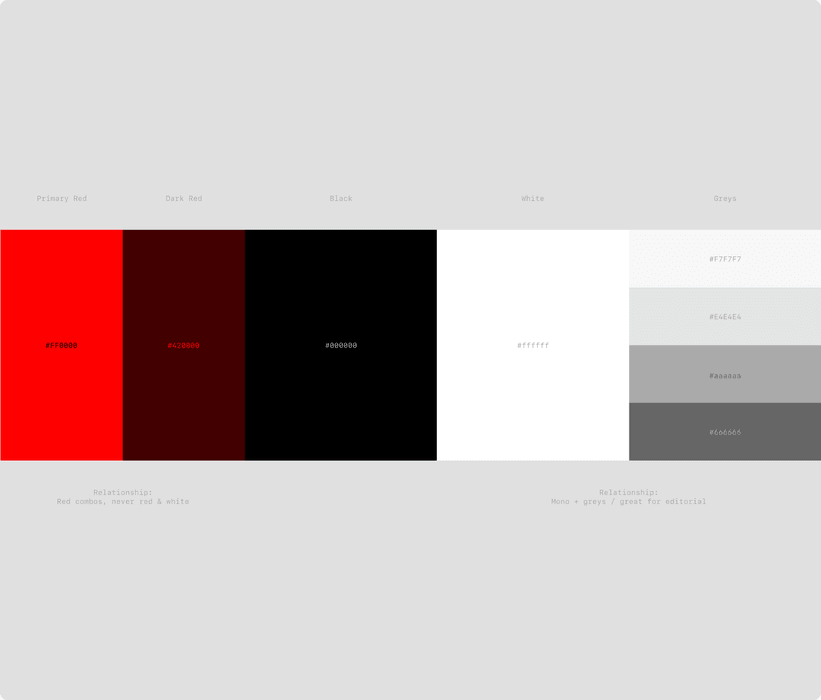
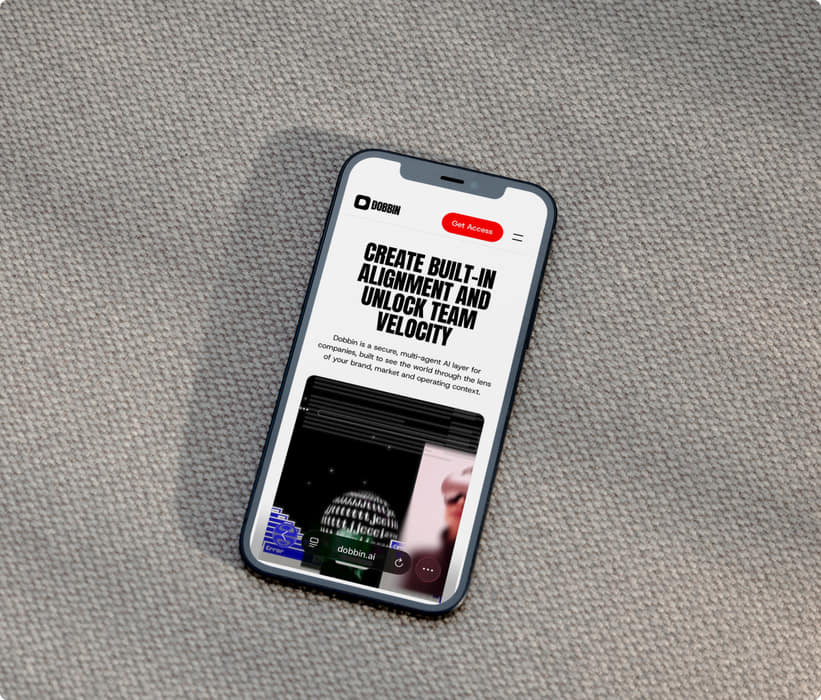
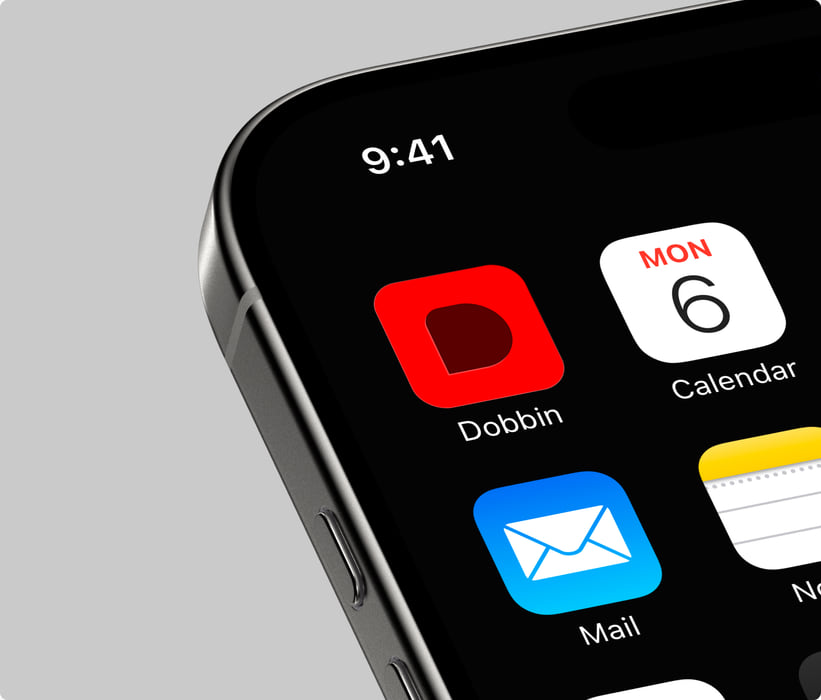
Dobbin needed personality in a crowded AI market: a lean brand, just for the product, that we could build on later.
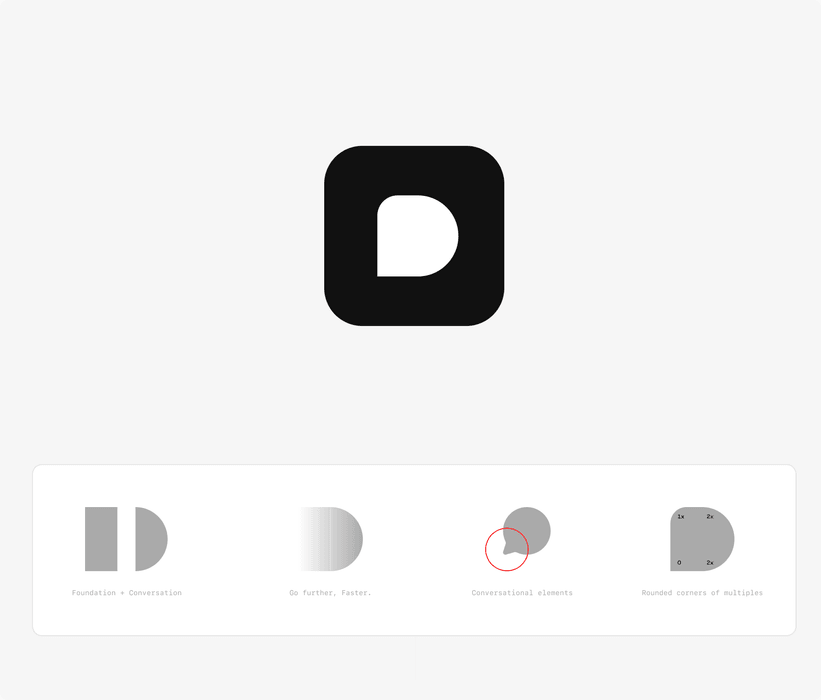
I designed it in a short, dedicated sprint. The Dobbin D is built from two elements: a solid shape for the foundations of the knowledge system, and an overall form that feels conversational.
Dobbin Studio
Marketing needed a steady stream of on-brand posts, without a designer in every loop.
I built Dobbin Studio, an internal tool where anyone on the team can create and test LinkedIn posts. I designed the templates in Figma and synced them to Claude through the Figma MCP, so the look stays in design’s hands while Studio’s constraints keep everyone on brand. Dobbin is connected too, so you can check your copy and ideas against your brand foundation.
We already use it internally, and we’re adding more options and the ability to create simple videos.
Outcome
Early traction with a two-person team: 8 of our first 10 customers are still with us.
- Since the Foundation and Knowledge Base redesign, customer success no longer needs to help customers with either.
- Our first enterprise client, alongside Area 17, Mark Seliger Studio and Evite.
- Brand, marketing site, Dobbin HQ and its design system, designed and shipped in 3 months.
“There’s something really different happening with what you built.”A Dobbin customer
Credit
Hi Shine (Explainer animation)